
Superior Products.
Personalized Service.
Anywhere, Anytime.

Don’t rely on paper contracts for the information you need —
with AAGI Mobile, secure electronic info is always at your fingertips.
Download from App Store Download from Google Play

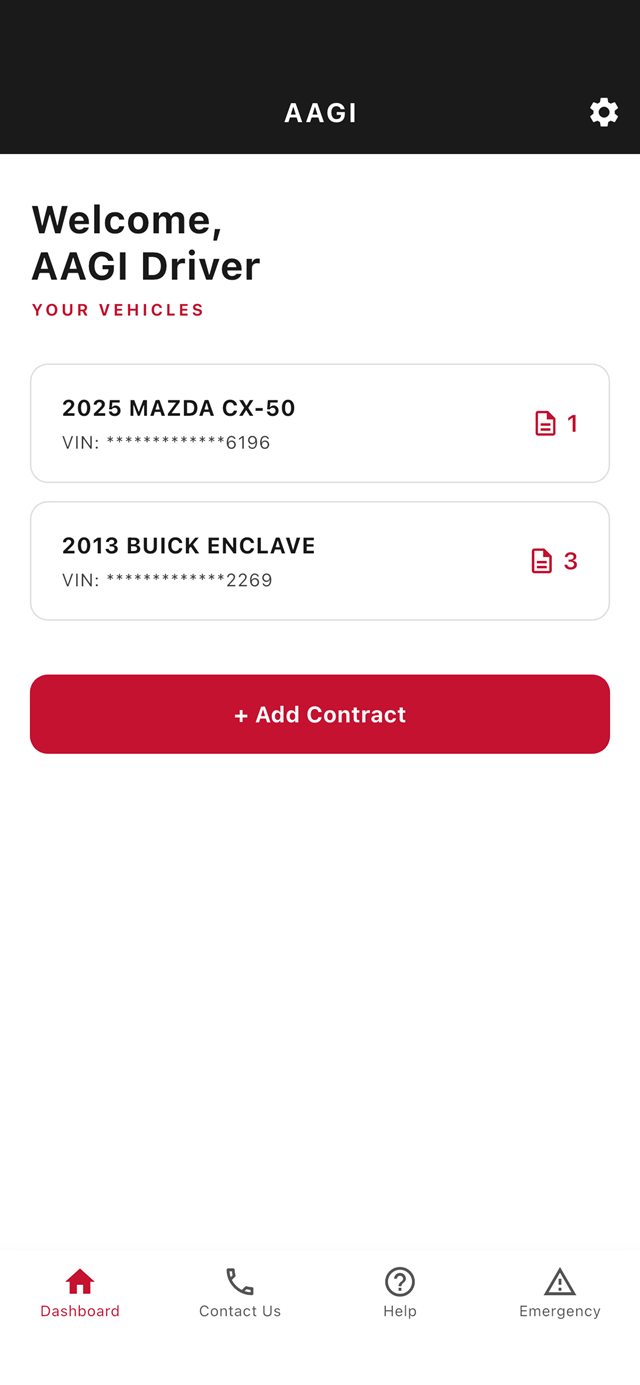
AAGI Mobile dashboard listing your vehicles and contracts

App Features

Say goodbye to a glove compartment full of paper! AAGI Mobile keeps your AAGI contracts, claims numbers and roadside help in one app.
Your Vehicles

Every covered vehicle on your Dashboard, with its contracts.

Contract Details

Tap a vehicle for contract number, dates, mileage, deductible and dealer.

Add Contract

Add a contract with its contract number and the last 6 of your VIN.

Roadside Assistance

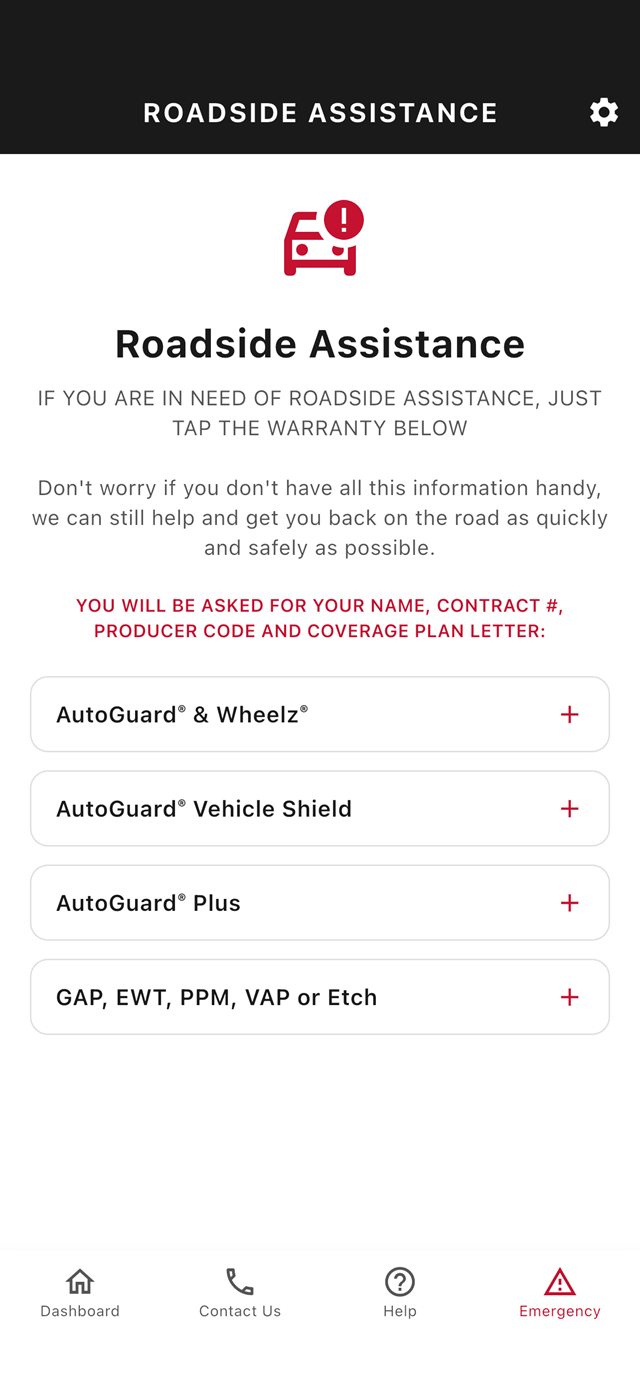
Tap your plan to call roadside assistance for your coverage.

Contact Us & Help

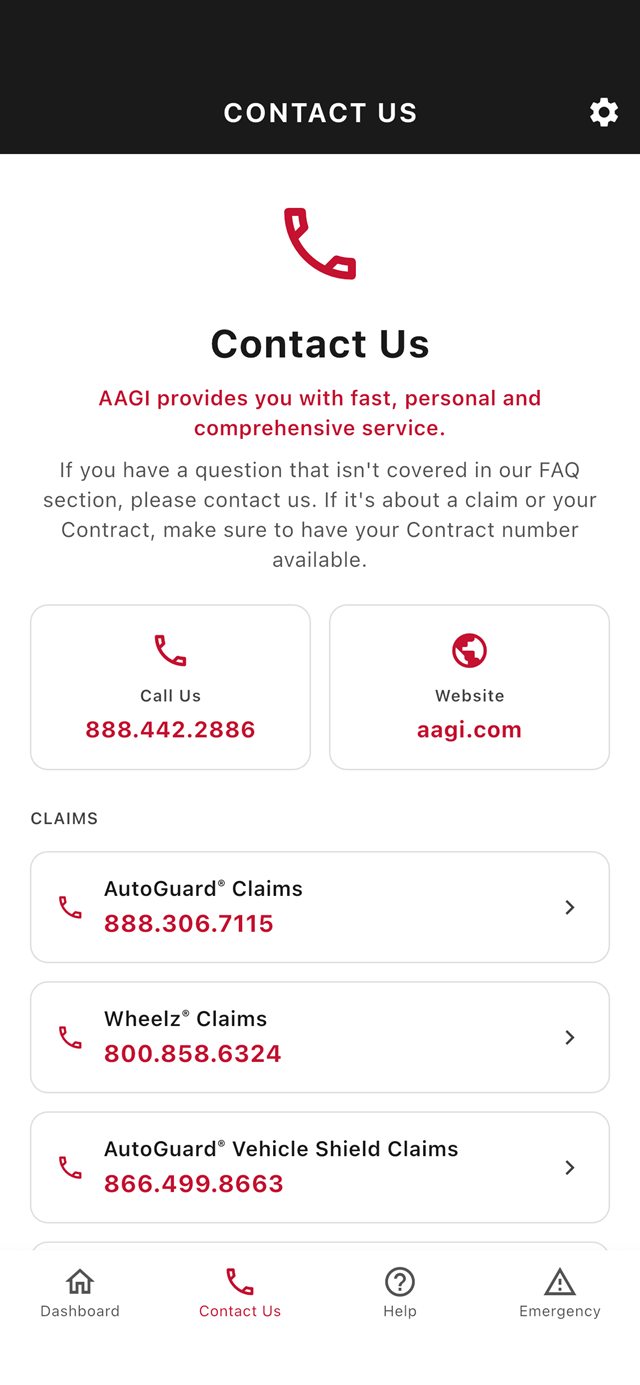
Call customer service or claims in one tap, and find answers to common questions.

Secure Sign-In

Verification codes by email, and you stay signed in between visits.

Roadside Assistance screen: tap your plan to call for help

Getting Started

Unlocking the power of AAGI Mobile couldn't be easier — just follow the simple steps below, and you'll be on your way in no time.

  • 1] Create Your Account

    Tap Create Account and enter your name, email and a password.

  • 3] Add Your Contracts

    Tap + Add Contract and enter the contract number and the last 6 of your VIN.

  • 2] Verify Your Email

    Log in and enter the 6-digit verification code we email you.

  • 4] View Your Dashboard

    Your vehicles are listed on the Dashboard. Tap one for its contract and dealer details.
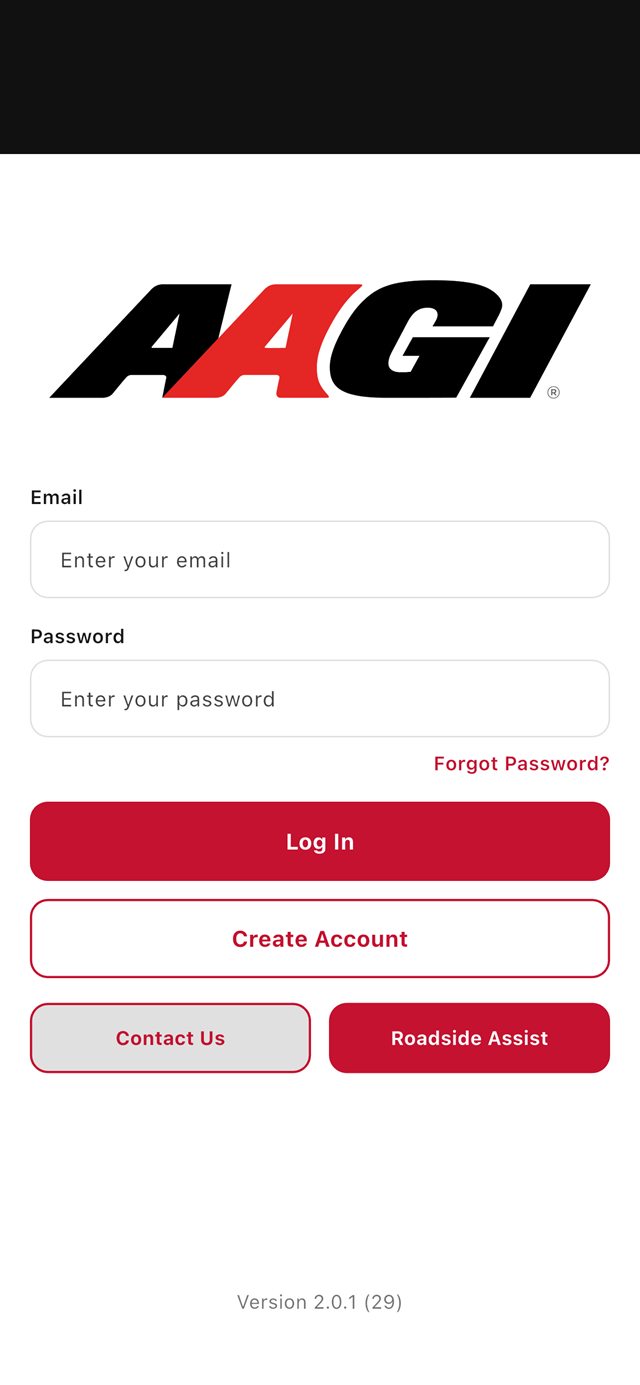
AAGI Mobile sign-in screen with Log In and Create Account

Watch the Video

Screenshots

AAGI Mobile puts your contract, contact, dealer, and roadside information where you need it — right in the palm of your hand.
Contact Us

Have questions, comments, or suggestions? Feel free to contact us anytime.